How to Improve Patch Panel Cable Management for Taiwan Data Centers
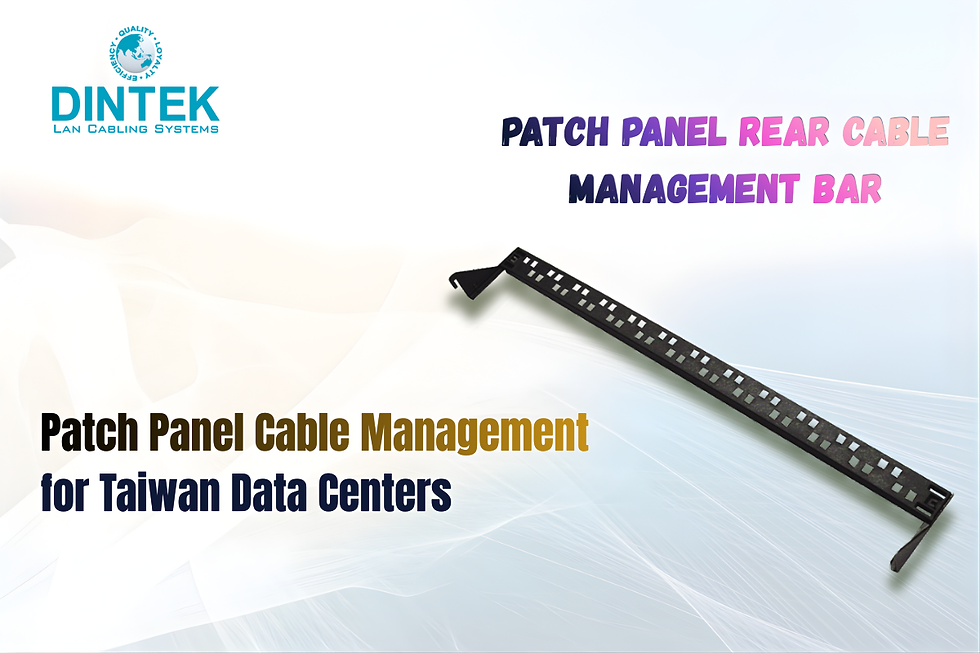
Managing cables in a busy data center can feel like trying to untangle a huge ball of string. For data centers in Taipei City, Taiwan, proper patch panel cable management isn’t just about aesthetics; it’s about efficiency, safety, and network performance.
With modern networks relying heavily on high-speed connections, organizing cables properly is more important than ever.
One key element of a well-organized network is using Category 6a cable. These cables support higher speeds and better performance, making them ideal for busy data centers handling large volumes of data.
However, without proper management, even the best cables can become a tangled mess, leading to troubleshooting headaches and reduced performance.
Start with the Right Infrastructure
Before diving into cable routing, make sure your data center is equipped with quality Cat 6 cable systems. A strong foundation makes all the difference. Invest in a reliable patch panel and Cat6a jack, which not only provides stable connections but also makes it easier to label and organize your network.
Using structured layouts helps technicians find connections quickly. For example, grouping cables by function or destination can reduce confusion and prevent accidental disconnections.
A clean layout also improves airflow around servers, helping to prevent overheating, a common issue in Taipei City data centers.
Use Cable Management Tools
A variety of cable management tools can make your life much easier. Vertical and horizontal cable managers, Velcro straps, and cable trays are simple but effective solutions for keeping cables neat. Avoid using zip ties too tightly; they can damage the cables over time, especially sensitive Category 6a cable.
Additionally, labeling is crucial. Clear, consistent labels on both ends of the cable help technicians identify connections quickly. This simple step saves hours when adding new devices or troubleshooting network issues.
Adopt Best Practices
Consistency is key. Always follow a standard pattern for routing cables, and separate power cables from data cables to reduce interference. Make sure to leave some slack in each cable tight pulls can damage both the cable and the connectors.
Incorporating Cat 6 cable system best practices ensures longevity and better performance. For example, avoid sharp bends, and maintain proper distances from electrical sources. By combining high-quality hardware with disciplined installation methods, Taipei City data centers can operate smoothly and reliably.
Why Brand Matters
When selecting products for patch panel cable management, quality matters. Brands like DINTEK Electronic Limited offer a full range of high-performance cables, jacks, and management tools that meet international standards. Using trusted brands reduces the risk of failures and ensures long-term reliability. Investing in premium components is particularly important in fast-growing markets like Taipei City, Taiwan, where downtime can be costly. Reliable equipment paired with organized cable layouts creates a network that is easy to maintain and scale as your business grows.
Summing Up
Improving patch panel cable management is a smart move for any data center. By using quality Cat6a jacks, proper cable management tools, and structured Cat 6 cable systems, you can reduce downtime, improve performance, and make maintenance easier.
Remember, even small improvements in organization can save huge amounts of time and money in the long run.
For data centers in Taipei City, Taiwan, partnering with trusted suppliers like DINTEK Electronic Limited ensures access to reliable products and practical solutions.
Clean, organized, and well-labeled cables aren’t just a nice-to-have; they’re essential for a high-performing network that can handle today’s data demands and tomorrow’s growth.


Comments